Login to Repox Store
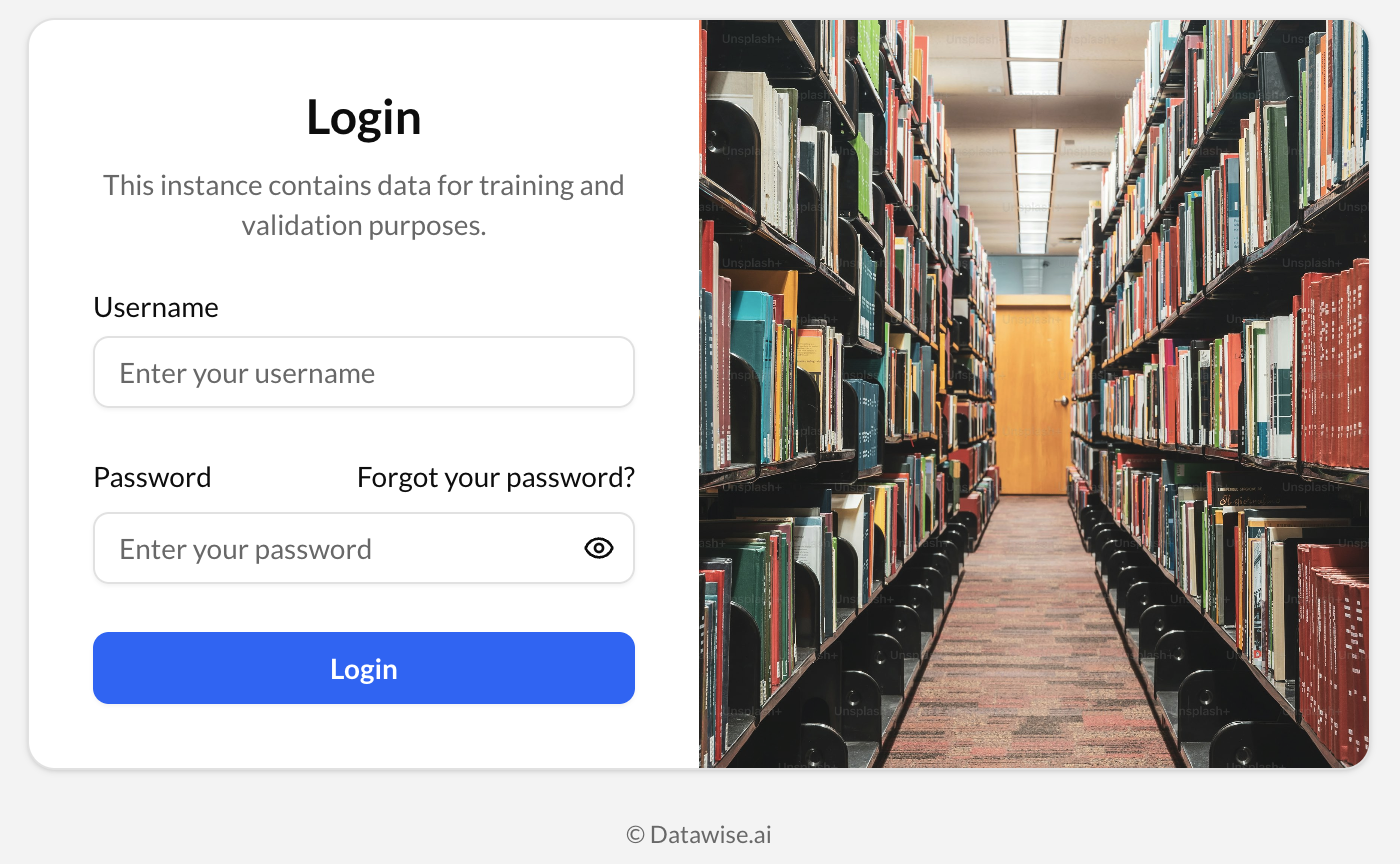
To login in the Repox Store:
- Go to the Repox Store website.
- Enter your usepnrname and password.
- Click on "Log in".
If you are having trouble with your password, learn how to reset your password.
Logout of Repox Store
To logout of Repox Store on a computer:
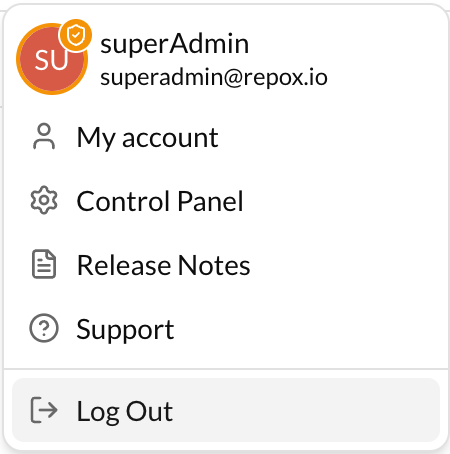
- Click your profile picture in the top right of Repox Store.
- Click "Log Out" at the bottom of the menu that appears.
Change Password
To change your password on Repox Store, if you are already loged in:
- Click your profile picture in the top right of Repox Store.
- Select “My Account”.
- Navigate to the “Security” tab.
- Click “Change Password”.
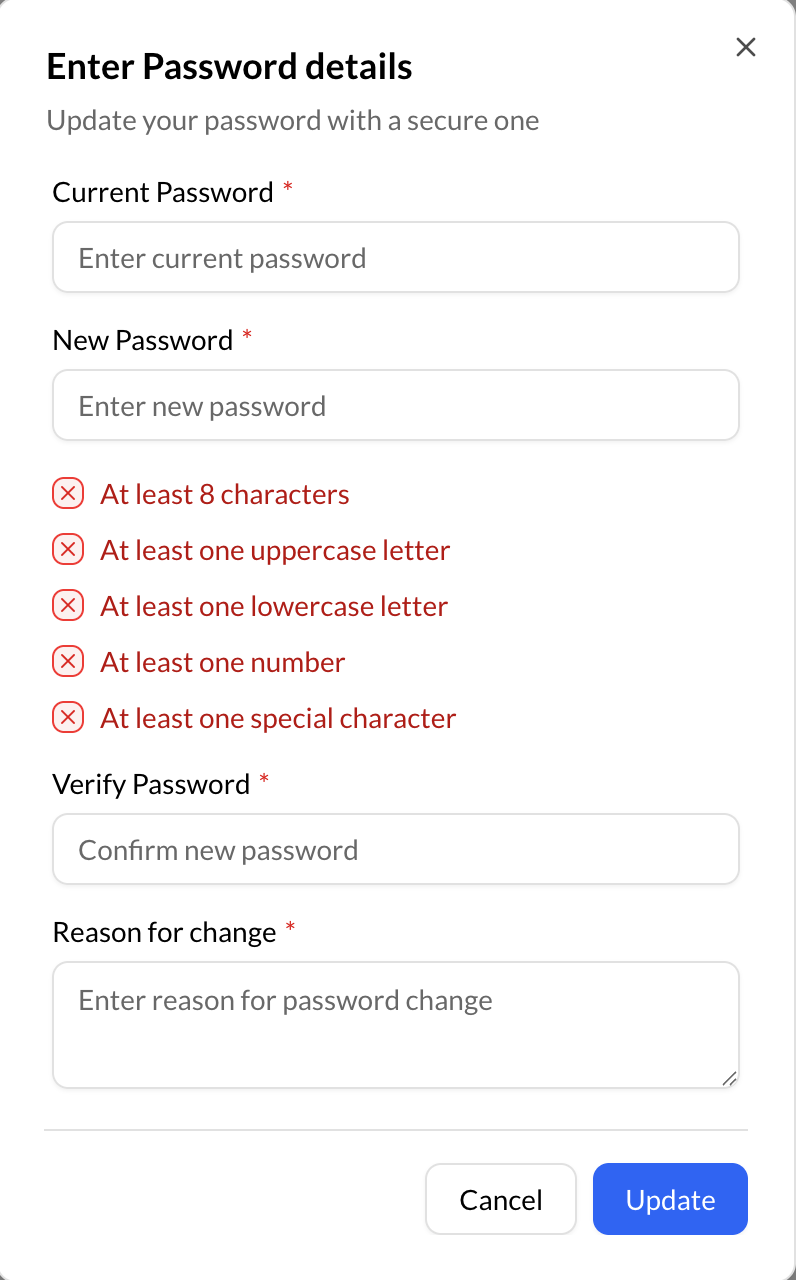
- Enter your “New Password”, your “Current Password” and the “Reason for Change”.
- Click “Save”.